TV Error Codes Guide
A Family from Ratodero - December 2005
A family from Ratodero called me in December 2005. They said "Our Samsung TV has sound but no picture. The screen is black. We can hear the channels but cannot see anything." I asked them to perform the flashlight test. They shined a bright light on the screen and saw a faint image. The backlight had failed. They called a technician who replaced the LED strips. The TV worked again. The father said "Thank you for telling us what was wrong before we called the technician."
Brand: Samsung | Problem: Sound but no picture | Fix: Replace backlight LED strips
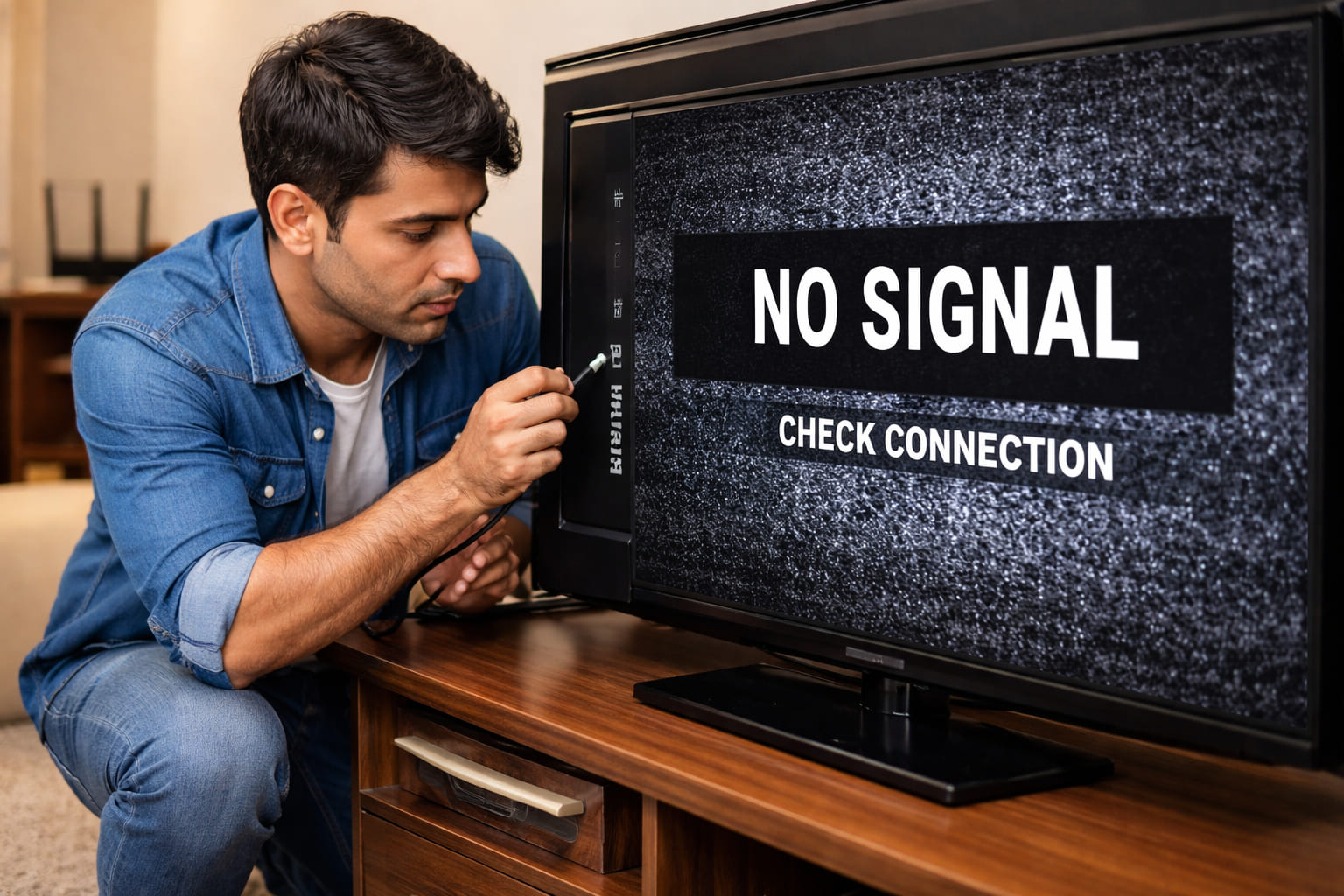
TV error codes appear as on-screen messages or blinking LED patterns that indicate specific problems. Understanding these codes can help you diagnose issues with power, backlight, main board, T-con board, and panel. This guide covers all major brands including Samsung, LG, Sony, Panasonic, TCL, and more.
Quick Diagnostic Test - Flashlight Test: If your TV has power and sound but no picture, shine a bright flashlight closely at the screen. If you see a faint image, the backlight has failed. If you see no image at all, the issue is with the main board, T-con board, or panel.
A Shopkeeper from Jacobabad - March 2007
A shopkeeper from Jacobabad called me in March 2007. He said "My LG TV is showing 2 blinking lights. The TV turns on for a second and then turns off. It keeps repeating this cycle." I asked him to check the power supply board. He opened the back and found two capacitors with bulging tops. He replaced them with new ones. The TV started working normally. He said "I saved 5000 rupees by fixing it myself. Thank you for your help."
Brand: LG | Error: 2 blinks | Fix: Replace bulging capacitors on power supply
Common TV Error Codes
| Code or Pattern | Meaning | Common Fix | Difficulty |
|---|---|---|---|
No Picture / Sound OK | Backlight failure | Replace LED strips | Hard |
2 blinks | Power supply issue | Check capacitors, power board | Medium |
3 blinks | Main board failure | Replace main board | Medium |
4 blinks | Backlight LED issue | Check LED strips | Hard |
5 blinks | T-con board issue | Check T-con board, cables | Medium |
6 blinks | Panel failure | Panel replacement (costly) | Hard |
A Teacher from Mirpur Mathelo - August 2009
A school teacher from Mirpur Mathelo called me in August 2009. He said "My Sony TV has lines on the screen. There are vertical lines all across the display. The picture is still there but the lines are annoying." I asked him to check the ribbon cables. He opened the TV and found one ribbon cable was loose. He reseated it carefully. The lines disappeared. He said "I was about to throw this TV away. You saved it from the garbage."
Brand: Sony | Problem: Vertical lines on screen | Fix: Reseat loose ribbon cable
Blinking LED Error Codes by Brand
Samsung TV Blinking Codes
2 blinks: Power supply issue - check power board, capacitors
3 blinks: Main board failure - replace main board
4 blinks: Backlight LED problem - check LED strips
5 blinks: T-con board issue - check T-con board, ribbon cables
6 blinks: Panel failure - panel replacement needed
LG TV Blinking Codes
2 blinks: Power supply problem - check power board
3 blinks: Main board failure - replace main board
4 blinks: Backlight LED issue - check LED strips
5 blinks: T-con board problem - check T-con board
6 blinks: Panel failure - panel replacement
Sony TV Blinking Codes
2 blinks: Power supply issue - check power board
3 blinks: Audio board failure - check audio board
4 blinks: Backlight problem - check LED strips
5 blinks: Main board failure - replace main board
6 blinks: T-con or panel issue - check T-con board
A Businessman from Ubauro - May 2011
A businessman from Ubauro called me in May 2011. He said "My TCL TV is showing 5 blinking lights. The picture is distorted and has weird colors. Half the screen looks normal, half is messed up." I told him this is likely a T-con board problem. He ordered a replacement T-con board online for 1500 rupees. He installed it himself. The picture became perfect. He said "You diagnosed the problem perfectly. I am very grateful."
Brand: TCL | Error: 5 blinks | Fix: Replace T-con board
Brand Specific Error Codes
Samsung
2 blinks Power
3 blinks Main board
4 blinks Backlight
5 blinks T-con
6 blinks Panel
LG
2 blinks Power
3 blinks Main
4 blinks Backlight
5 blinks T-con
6 blinks Panel
Sony
2 blinks Power
3 blinks Audio
4 blinks Backlight
5 blinks Main
6 blinks T-con
Panasonic
2 blinks Power
3 blinks Main
4 blinks Inverter
5 blinks T-con
6 blinks Panel
A Housewife from Pano Aqil - October 2013
A housewife from Pano Aqil called me in October 2013. She said "My Changhong TV is showing E3 error. The screen is black but I can hear sound. What should I do?" I told her E3 indicates a backlight problem. She called a technician who replaced the LED strips. The TV started working. She said "Thank you for explaining the error code. The technician fixed it quickly because I knew what to tell him."
Brand: Changhong | Error: E3 | Fix: Replace backlight LED strips
Common TV Problems and Solutions
TV Has Power But No Picture (Sound OK)
Symptoms: The TV turns on. You hear sound and maybe see the standby light, but the screen remains black.
Solutions: Perform the flashlight test. Shine a bright light on the screen. If you see a faint image, the backlight has failed. The LED strips need replacement. If you see no image at all, check the T-con board and ribbon cables. Reseat the ribbon cables between the T-con board and the panel. If the problem continues, the main board may need replacement.
TV Turns On Then Off (Power Cycling)
Symptoms: The TV turns on for a few seconds, then shuts down. This cycle repeats.
Solutions: Unplug the TV for 10 minutes and try again. Check the power supply board for bulging capacitors. Test the voltages on the power board with a multimeter. If the backlight LEDs are shorted, they may need replacement. Replace the faulty power board or capacitors.
TV Has Lines on Screen
Symptoms: Vertical or horizontal lines on the screen. Half the screen may be distorted.
Solutions: Check the ribbon cables between the T-con board and the panel. Reseat the cables carefully with the TV unplugged. Clean the ribbon cable contacts with alcohol. If the lines continue, the T-con board may need replacement. If the lines are still there after T-con replacement, the panel has failed.
TV Has Picture But No Sound
Symptoms: The picture is fine, but there is no audio from the speakers.
Solutions: Check if mute is on and the volume is turned up. Try a different input source. Check external speakers or the headphone jack. Test the speakers with a multimeter. They should have 4 to 16 ohms of resistance. If the speakers are good, the audio amplifier on the main board may need repair.
Safety Warning: TVs contain high voltage components even when unplugged. Capacitors can hold a lethal charge. Only qualified technicians should attempt internal repairs. Never open the TV case unless you are trained.
T-Con Board and Ribbon Cable Guide
T-Con Board (Timing Controller)
The T-con board converts signals from the main board to drive the panel. Common failure signs include no picture, distorted image, lines on the screen, half the screen working and half not, or colors that are wrong or inverted.
Fix: Check the ribbon cables first and reseat them. Replace the T-con board if it is faulty. The replacement must have the exact same model number.
Ribbon Cables (LVDS Cables)
Ribbon cables connect the T-con board to the panel. Common issues include loose connections causing lines or no picture, dirty contacts causing display glitches, or damaged cables that need replacement.
Fix: Power off the TV. Carefully reseat the cables. Clean the contacts with alcohol if needed.
Frequently Asked Questions
Pakistan Specific Tips: Voltage fluctuations can damage TV power supplies. Use a voltage stabilizer or UPS. In areas with frequent power cuts, unplug the TV during storms. Dust can cause overheating. Clean the ventilation grilles regularly. For professional service, use authorized service centers for your brand.
Safety Warning: TV repair requires specialized tools and knowledge. For power supply issues, capacitor replacement is often simple for technicians. For panel failure, replacement usually costs more than a new TV. Always get a professional diagnosis before ordering parts.